1.44寸TFT显示屏树莓派驱动
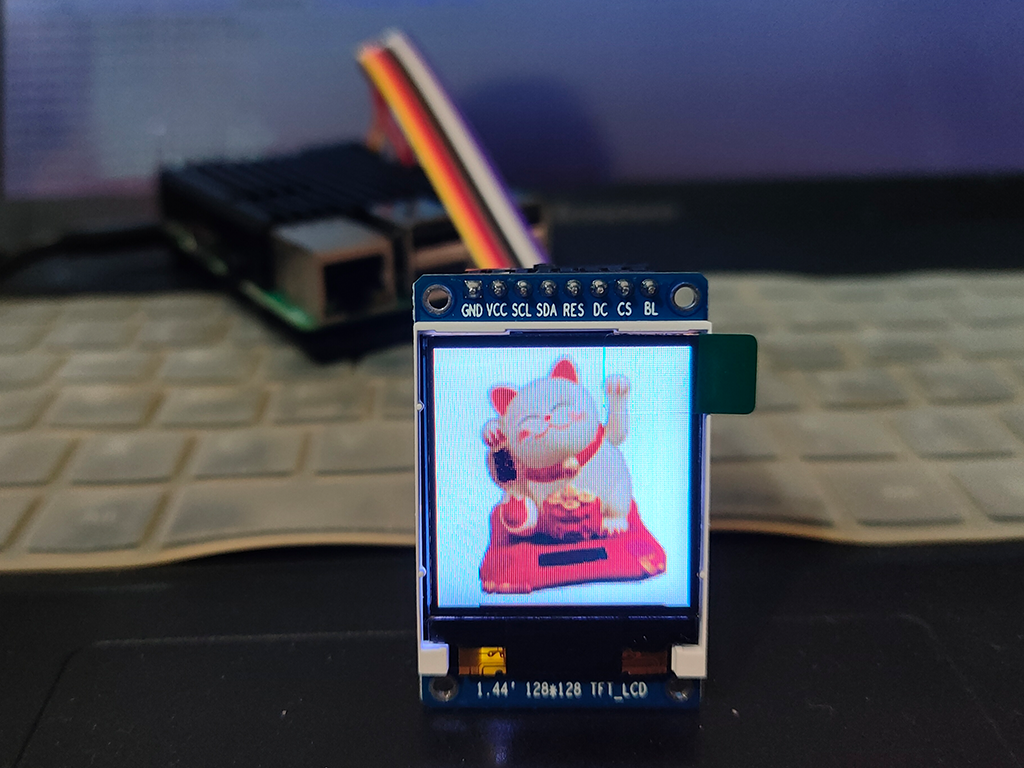
在某宝花了二十几元,用树莓派,SPI接口驱动。
显示屏参数:
尺寸:1.44
分辨率:128W 128H
驱动:ST3375
接线
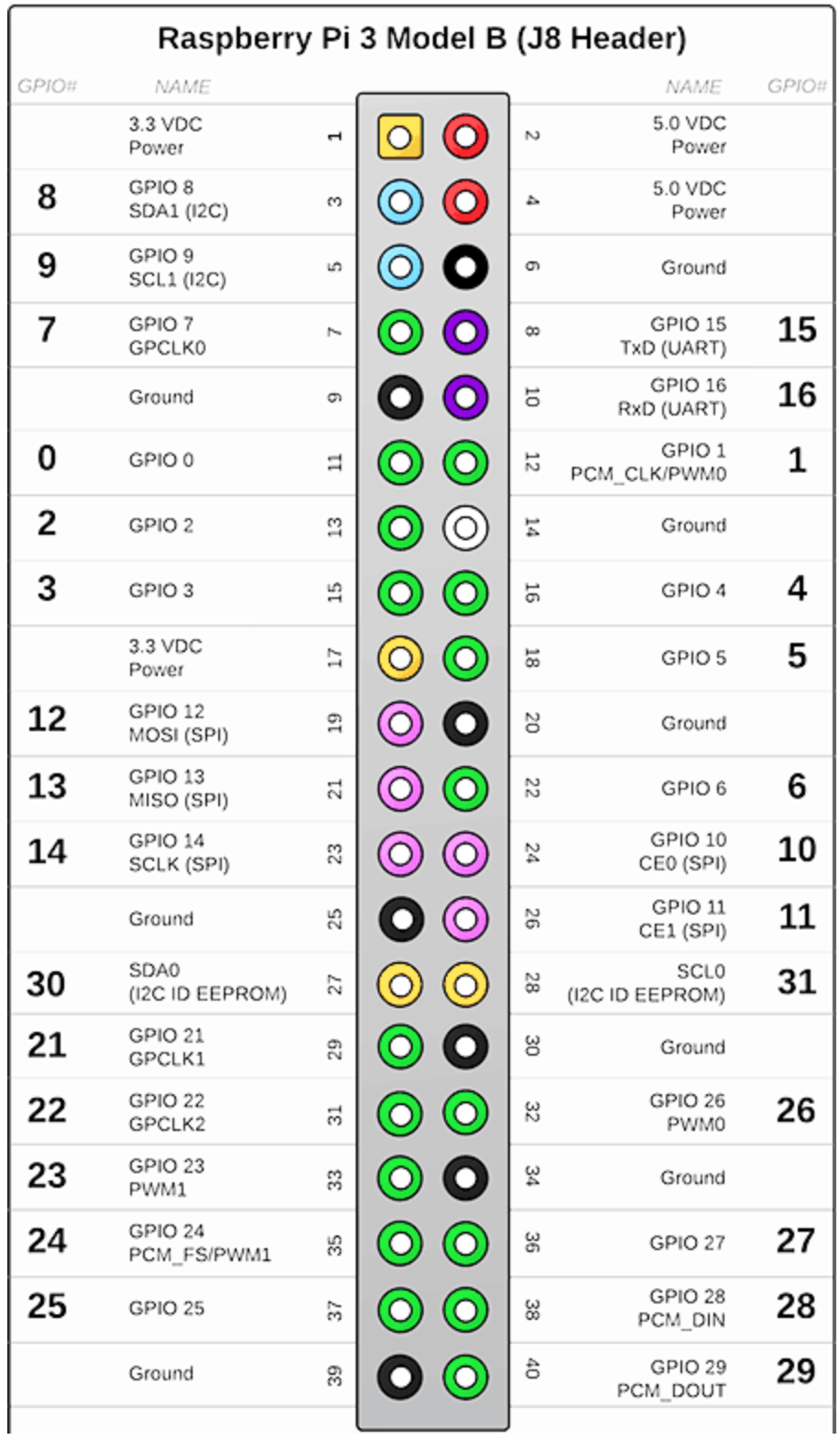
首先要确保显示屏与树莓派的接线正确,以下是相对应的接口:
| 显示屏pin | 树莓派pin |
|---|---|
| GND | Ground (pins 6, 9, 14, 20, 25, 30, 34 or 39) |
| VCC | 5v 电源 (pins 2 or 4) |
| SCL | GPIO 11 (pin 23) |
| SDA | GPIO 10 (pin 19) |
| RES | GPIO 25 (pin 22) |
| DC | GPIO 24 (pin 18) |
| CS | GPIO 8 (pin 24) |
| BL | 不连接 |
软件安装
首先,启动树莓派上的SPI功能。用树莓派配置命令,选择SPI选项启动。
sudo raspi-config |
安装ST7735库
sudo python3 -m pip install RPi.GPIO spidev Pillow numpy |
示例
- 经典hello world:
from PIL import Image
from PIL import ImageDraw
from PIL import ImageFont

import ST7735

disp = ST7735.ST7735(port=0, cs=0, dc=24, backlight=None, rst=25, width=128, height=128, rotation=0, invert=False)

WIDTH = disp.width
HEIGHT = disp.height

img = Image.new('RGB', (WIDTH, HEIGHT))
draw = ImageDraw.Draw(img)

# Load default font.
font = ImageFont.load_default()

# Write some text
draw.text((5, 5), "Hello World!", font=font, fill=(255, 255, 255))

# Write buffer to display hardware, must be called to make things visible on the
# display!
disp.display(img)
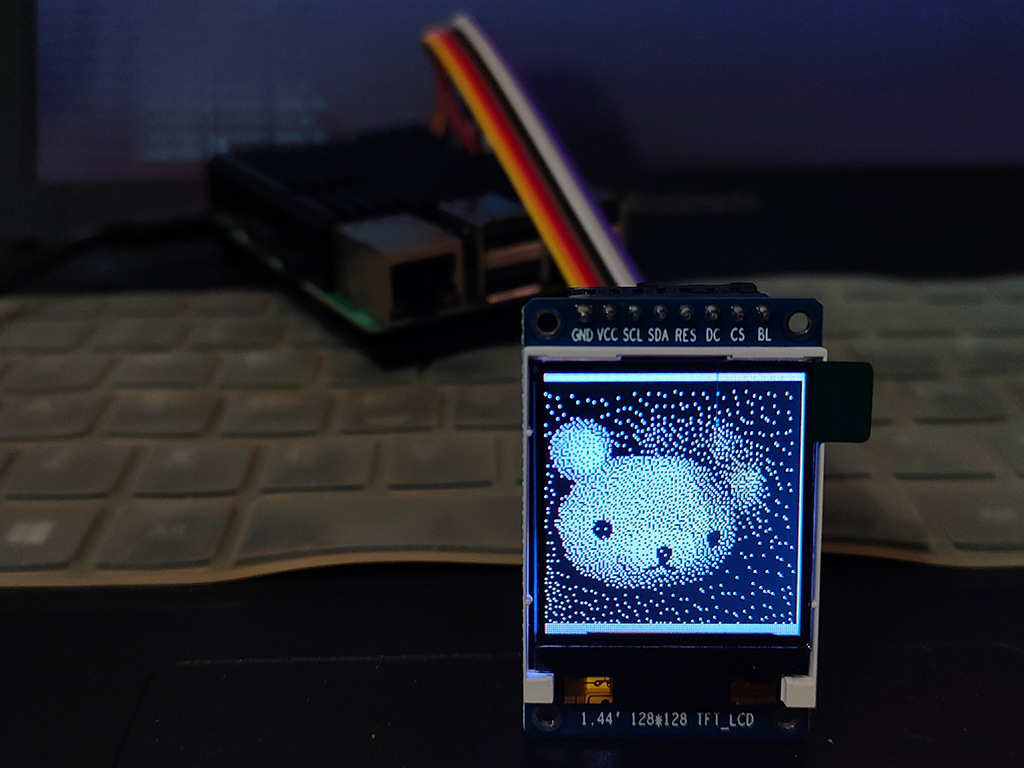
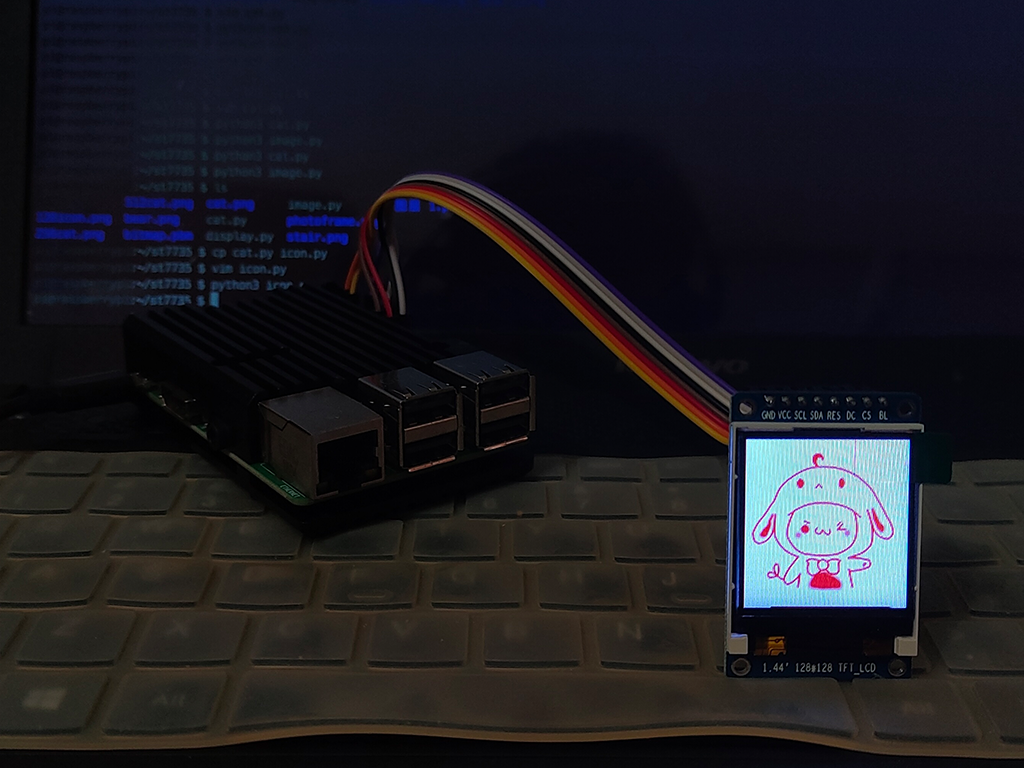
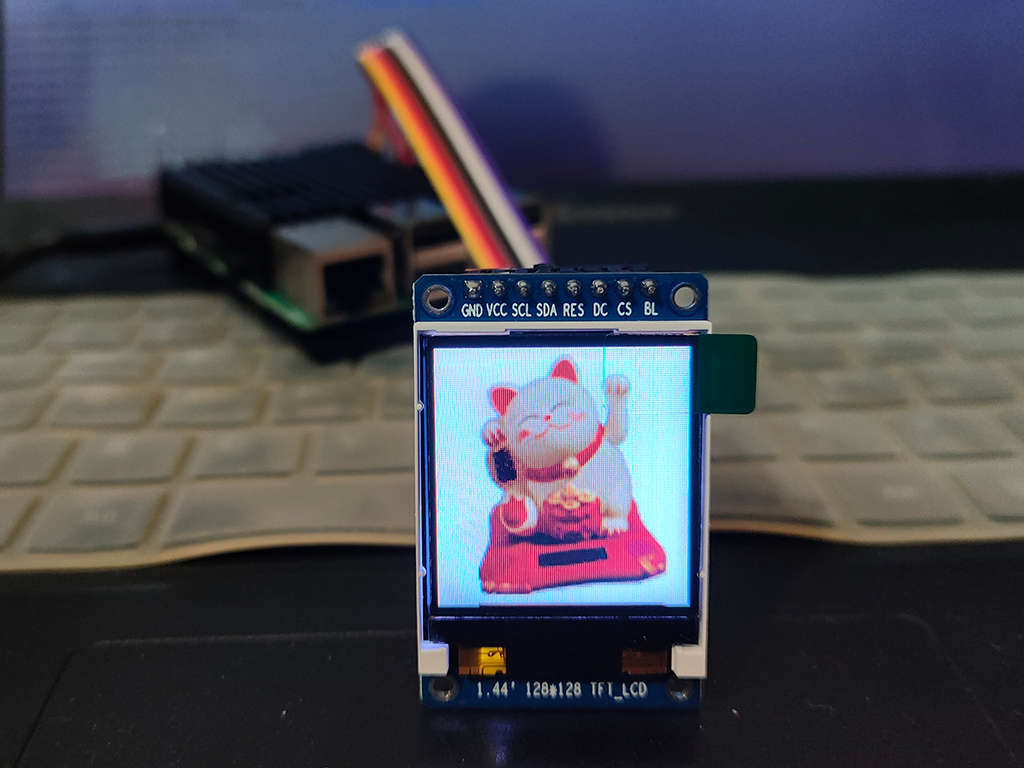
图片示例
参考
Getting a ST7735 TFT Display to work with a Raspberry Pi
Raspberry Pi 3 B+ Pinout with GPIO functions, Schematic and Specs in detail
What is Serial Peripheral Interface?
本博客所有文章除特别声明外,均采用 CC BY-NC-SA 4.0 许可协议。转载请注明来自 Good Day!
相关推荐